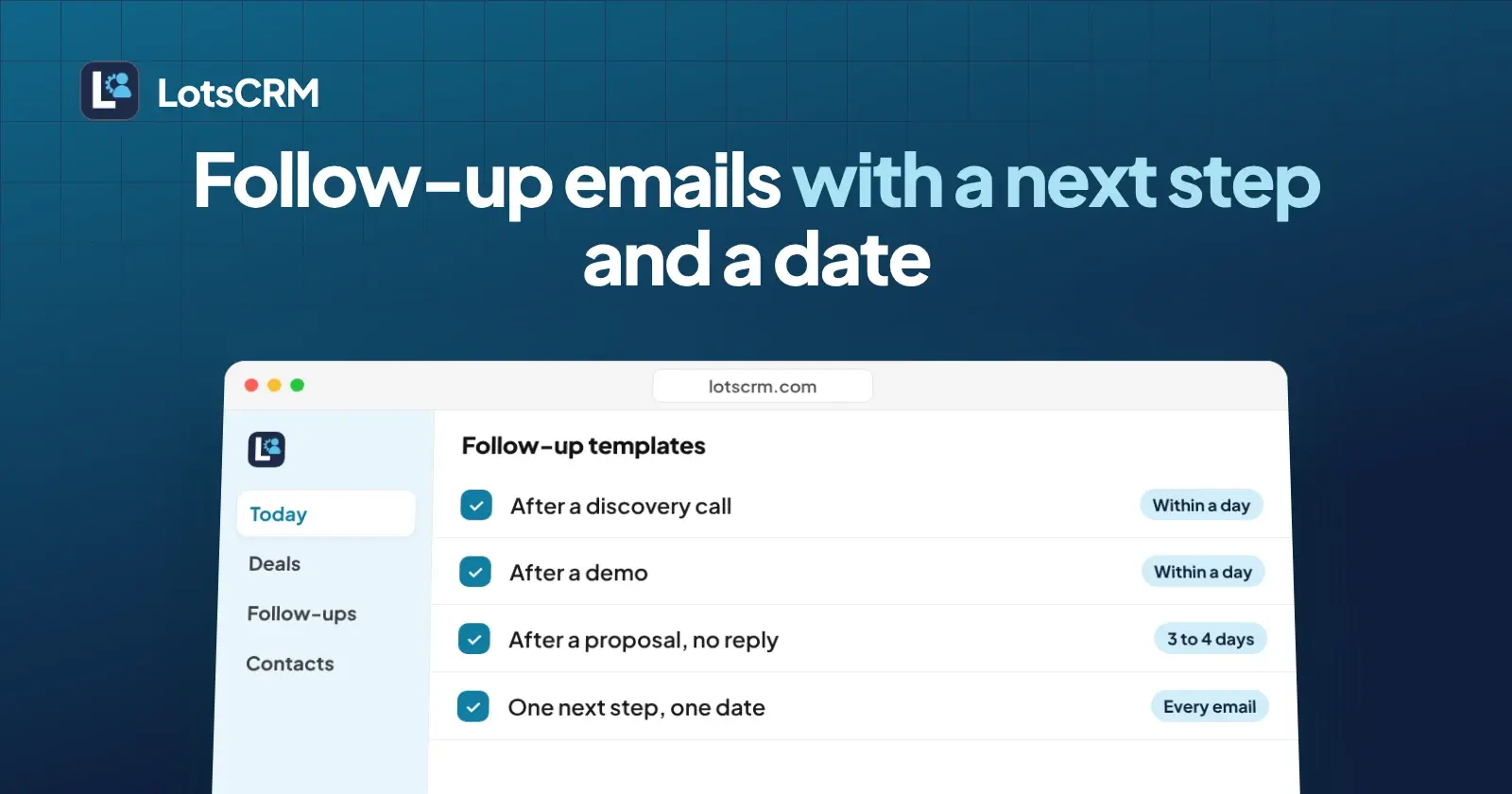
A good follow-up email after a sales call does three things: it repeats what the buyer told you, names one next step, and puts a date on it. Below are four plain templates (after a discovery call, after a demo, after no response, and one for any email that needs a next step and a date), and then a real run where Claude drafted the next follow-up from the CRM notes of a deal. I built LotsCRM, and I ran that part through its MCP tools in a test workspace with made-up deals, which I archived afterwards.
The rules behind every template
- Send it within a day. The recap is only useful while the call is fresh for both of you.
- Use the buyer's words. If they said "the deposit worries me", write about the deposit, not about "your concerns".
- One ask per email. A second question gives the buyer a reason to answer neither.
- End with a date. "Let me know" gives the buyer nothing to say yes to. "Tuesday 10 November at 10:00?" does.
- Plain text, short. If it does not fit on a phone screen without scrolling much, cut it.
Template 1: after a discovery call
Subject: Recap of our call and next step
Hi [Name],
Thanks for the time today. What I heard: [their problem, in their words], and [the date or limit that matters to them].
What we agreed: [next step] on [date].
If I got anything wrong, tell me and I will fix it.
[Your name]
Why it works: the recap proves you listened, and the line at the end makes it easy for the buyer to correct you early rather than silently drift.
Template 2: after a demo
Subject: [Product or project]: what we agreed
Hi [Name],
Thanks for watching the demo. You said [their concern] matters most, so [what you will do about it].
Next steps: you [action] by [date], and I [action] by [date]. Can we hold [day, date and time] for a decision call?
[Your name]
Why it works: it splits the next steps between the two of you. A follow-up where only the buyer owes something is a chase, not a plan.
Template 3: after no response
Subject: One question about [topic]
Hi [Name],
I sent [the proposal or details] on [day] and wanted to check it reached you.
One question would help me most: [a single question the buyer can answer in one line]?
If it is easier, we can do a 15-minute call on [date] at [time]. If the timing has changed, tell me and I will adjust.
[Your name]
Send it three to four working days after the first message. The single question matters: "any thoughts?" asks the buyer to do the thinking, while a specific question asks them to type one line.
Template 4: a next step with a date
Subject: Next step: [action] on [date]
Hi [Name],
To keep [their goal and its date] on track: you [action] by [date], and I [action] by [date].
Does that work? If not, tell me which date does and I will move mine.
[Your name]
Use this one whenever a call ended without a firm next step, or as the closing paragraph of any of the others.
| Situation | Template | Send it |
|---|---|---|
| First real conversation just ended | 1: discovery call | Same day |
| Demo just ended | 2: demo | Same day or next morning |
| Proposal sent, silence | 3: no response | After 3 to 4 working days |
| No firm next step anywhere | 4: next step and date | Whenever you notice |
How to have your agent draft the next one from your CRM notes
The templates need facts: the buyer's concern, the date they gave you, what each side agreed to do. Those facts are in your call notes. If you log the call in the CRM (my guide to logging every sales call without typing shows how), your agent can read the history and write the email, instead of you reconstructing the call from memory. The same history also powers preparing for a sales call in five minutes and the weekly pipeline review.
What I ran
I ran this through the LotsCRM connector with Claude on 6 November 2026. It was a test workspace with made-up deals: 4 companies and 4 contacts at example.com addresses, and 4 deals worth $24,200 in total. Two of the deals got a realistic call history, recorded with the activity tool, which accepted past dates so each note landed on the day it supposedly happened:
- Harbor Lane Physio ($8,400, Qualified): a discovery call on 2 November and a demo on 4 November.
- Fernwood Catering ($5,600, Proposal): a discovery call on 29 October, a demo on 3 November and a proposal email on 4 November with no reply yet.
The notes held the details a real follow-up needs: the buyer's concern, a date, and a next step the buyer agreed to. For Harbor Lane, the practice manager worried that two older clinicians would resist a new screen and wanted a one-page staff guide before go-live. She was taking the demo to her business partner, and they would decide on Thursday 12 November at 10:00. I owed her a fixed-price proposal before then, and she owed me a list of appointment types. I sent nothing, I used no send tool, and LotsCRM never sends email anyway.
Step 1: pull the history
The deal brief and the deal timeline both returned the two activities, newest first, with the deal, its stage (Qualified), the contact, no open follow-ups and no contact restrictions.
Step 2: prepare the follow-up
I called the follow-up preparation tool with the email channel and an objective: follow up after the demo, recap what was agreed, and confirm the decision call and the next step for each side. It returned the same context plus two flags: the contact could be contacted (true), and business claims could not be made (false). Its instruction said to draft only wording grounded in the CRM history, to ask the owner before stating the offer, pricing or proof, and that sending needs separate explicit authorization.
It did not return any email text. The tool prepares and checks; the writing is the agent's job. The business-claims flag was false because the workspace had no business context connected from LotsNotes, so the agent was kept to what the history supports. That is the behavior I want from a CRM that hands facts to an agent.
Step 3: the agent writes the email
The objective I passed to the tool was the one above. A prompt that does the whole job in one go:
Get the deal brief for the Harbor Lane Physio deal, then prepare an email follow-up after the demo. Write the email from the CRM history only: no claims about our product or the customer that are not in the notes. Recap what was agreed, include the decision call date, and give each side a dated next step. Do not send anything.
Here is what Claude wrote. It was written by the agent from the CRM notes of a made-up deal:
Subject: Recap of Wednesday's demo and the decision call on 12 November
Hi Priya,
Thanks for the time on Wednesday. Here is where we left it, so we are both working from the same list.
- You are taking the demo to Dr Shah, and the two of you decide on Thursday 12 November at 10:00.
- I will send you a fixed-price proposal before that call.
- Your list of appointment types was due today. Could you send it by Monday 9 November?
- You asked for a one-page staff guide before go-live, for the two clinicians who may not warm to a new screen. I have that noted for the proposal.
If any of this is wrong, tell me and I will fix it.
Thanks, [your name]
Every fact in it comes from the notes: the demo day, Dr Shah, the decision call, the fixed-price proposal, the appointment types list and the staff guide. The email names no product feature, no price and no result. Two things in it are the agent's suggestions, not recorded facts: the Monday 9 November date for the list, and the [your name] placeholder. That is why you read a draft before you send it.
For Fernwood, the agent wrote a no-response email from the same kind of context. It asked one question (whether taking a deposit when an order is placed was the part Marcus wanted to see first, which he had raised in the demo) and proposed a 15-minute call on Tuesday 10 November, ahead of his Tuesday 1 December target.
Step 4: turn it into a task
I created a follow-up task on each deal: for Harbor Lane, due Monday 9 November at high priority, to send the proposal before the decision call; for Fernwood, due the same day, to chase the menu and price sheet. Listing the open follow-ups returned both, and the Fernwood task also showed up in its deal's timeline. The task schedules the work. It does not send anything, which is also why the draft is the thing to check.
How the agent's draft compared with my templates
The skeleton matched Template 2: a subject naming the deal, a recap, a dated next step for each side, and a line that lets the buyer correct it. The differences were useful ones:
- It used the buyer's own concerns (the staff guide, the deposit, the 1 December date). A blank template cannot hold those, and they were the reason for the email.
- The demo draft used a short list of four items instead of my two sentences. Four agreed items read better as a list.
- The Fernwood draft merged Template 3's single question with a dated call, which is exactly the combination I recommend.
What the agent could not know: whether the buyer had replied somewhere the CRM was not told, and which dates you would accept. The CRM holds what was recorded, so I recorded "No reply yet" by hand on the proposal email. If you log replies as they come in, the next draft starts from the truth.
What it cost
An extra workspace on a plan with room cost nothing more: billing showed my plan covering it with no additional charge. Without a plan, a workspace is $5 a month on pay as you go, and new accounts get free credits, no card. Starter is $12 a month for 3 workspaces, Pro $29 for 10 and Business $79 for 30, with unlimited contacts, deals and teammates (checked on 6 November 2026 at lotscrm.com/pricing). LotsCRM Pricing Explained has the details. I archived the test workspace when I finished; archiving is recoverable for 30 days and deletes nothing.
If you have not connected an agent yet, Claude CRM Integration covers the setup, and How to Never Miss a Follow-Up covers the reminders on every deal.
Frequently asked questions
How soon should I send a follow-up email after a sales call?
Within a day, while you and the buyer both remember the call. Send the recap the same day or the next morning, and put the next step and its date in it. A follow-up after a proposal with no reply can wait three to four working days.
What should a follow-up email after a demo include?
Three things: the concern the buyer raised in their own words, what you will do about it, and a dated next step for each side. Keep it to one ask. If a decision call is booked, repeat its day and time.
Does LotsCRM write or send the follow-up email?
No. In my run, the follow-up preparation tool returned CRM context (recent activities, open follow-ups, whether the person can be contacted) and an instruction to return a draft only. It returned no email text. Claude wrote the draft from that context, and LotsCRM never sends email or messages: you send it from your own email.
Can an agent draft a follow-up without making things up?
It can stay inside the facts you recorded. The workspace in my run had no business context connected, so the tool reported that business claims were not allowed and told the agent to draft only relationship-specific wording from the CRM history. Both drafts used only recorded facts, plus two proposed dates that I would confirm before anything went out.
How many follow-ups should I send before I stop?
I would send one recap after the call, one after three to four working days of silence, and a last short one about a week later saying you will stop chasing. Each carries one question and one date. Then close the deal as lost with a reason, or park it.
What does it cost to try this with my own deals?
New accounts get free credits, no card. A workspace is $5 a month on pay as you go, or you pick Starter at $12 a month ($120 a year) for 3 workspaces, Pro at $29 ($290) for 10, or Business at $79 ($790) for 30, with unlimited contacts, deals and teammates (checked on 6 November 2026 at lotscrm.com/pricing).