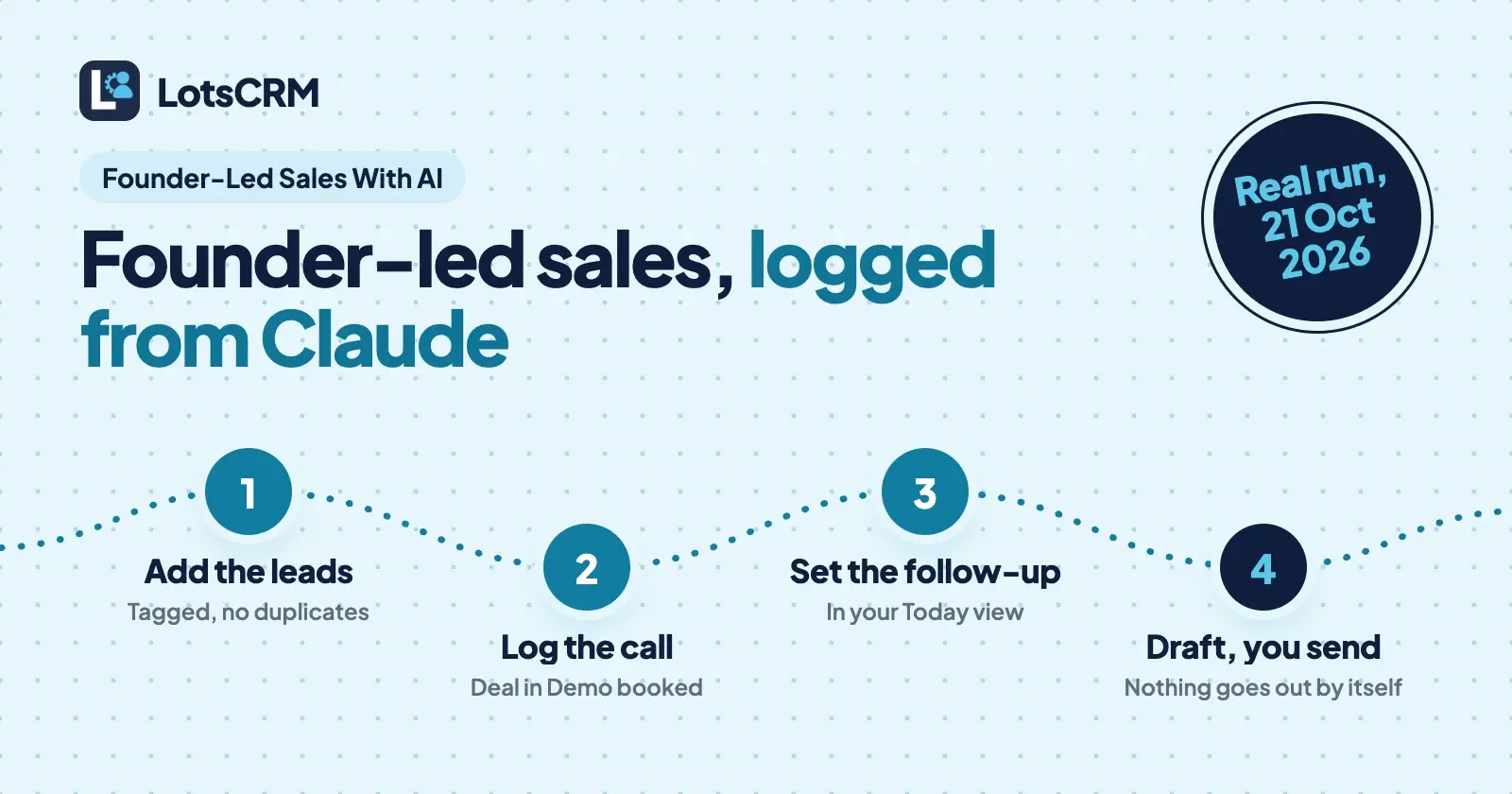
Founder-led sales with an AI agent means you still do the selling, and Claude does the record-keeping. You tell it who you met and what was said, and it adds the lead, logs the call, moves the deal and sets the next follow-up in your CRM. Nothing goes to a lead until you send it yourself.
That's the part founders drop first. You can hold five conversations in your head; at fifteen, a promised follow-up slips and a warm lead goes cold. LotsCRM is the CRM that's easy to keep up to date: every lead, call, deal and follow-up in one place, kept current in the dashboard or by ChatGPT or Claude. To show what that looks like, I ran a full founder-led sales loop from Claude through the LotsCRM MCP server on 21 October 2026, in a test workspace with made-up leads at example.com. Below are the prompts, the tools Claude called and what came back, with internal IDs trimmed.
What you need
- A LotsCRM account. New accounts get 5,000 free credits, valid 90 days, no card, which covers one workspace for about a month. After that it's $5 a workspace a month, or a plan from $12 a month for 3 (pricing).
- Claude, Claude Code or another MCP client with
https://api.lotscrm.com/mcpadded as a connector. You sign in with your Lots account; there's no key to paste. Step-by-step setup for each client is on lotscrm.com/mcp and in how to connect Claude to LotsCRM.
I used Claude Code. The tools are the same in claude.ai, Claude Desktop, ChatGPT, Codex or Cursor; only the connection step differs.
Step 1: Give your sales its own workspace
Create a LotsCRM workspace called "Blog test: founder-led sales 2026-10-21" in USD.
Claude called create_workspace. A workspace is one business's sales book, with its own contacts, pipelines, deals, history and members. It came back ready to use, with a default pipeline already in it:
{
  "workspace": { "name": "Blog test: founder-led sales 2026-10-21", "status": "active", "default_currency": "USD", "stale_after_days": 7 },
  "default_pipeline": { "name": "Sales Pipeline",
    "stages": [
      { "name": "New", "probability": 10 }, { "name": "Qualified", "probability": 30 },
      { "name": "Proposal", "probability": 60 }, { "name": "Negotiation", "probability": 80 },
      { "name": "Won", "stage_type": "won" }, { "name": "Lost", "stage_type": "lost" }
    ] }
}
If you sell for more than one business, or for clients, each gets its own workspace and the agent never carries records from one to another.
Step 2: Add the leads from your notes
This is the moment most founders skip: you've met three people, you have scribbles, and you'll "add them later".
I met three people at a meetup. Add them as leads, tag them oct-meetup: Maya Testwood, Head of Operations at Example Bakery Co, maya@example.com. Runs ops for 4 shops, tracks orders in a spreadsheet, asked for a demo next week. Warm intro, we're already talking. Leo Sampleton, founder of Sample Studio, leo@example.com. Two-person design studio, interested later, not this quarter. Priya Demo, COO at Demo Logistics, priya@example.com. Replied to my post asking about pricing for a team of 6. Tag her inbound too.
Claude called bulk_upsert_prospects once, with all three rows. It set Maya's lead status to "connected" and the other two to "new", added the tags, and passed each company name, which links the person to a company record in the workspace. (In the real run I added "(fictional)" to every company and deal name, so nobody mistakes them for real businesses.)
{
  "status": "completed",
  "created_count": 3, "updated_count": 0, "error_count": 0,
  "contacts": [
    { "first_name": "Maya", "email": "maya@example.com", "lead_status": "connected", "lifecycle_stage": "prospect", "tags": ["oct-meetup", "warm-intro"] },
    { "first_name": "Leo", "email": "leo@example.com", "lead_status": "new", "lifecycle_stage": "lead", "tags": ["oct-meetup"] },
    { "first_name": "Priya", "email": "priya@example.com", "lead_status": "new", "lifecycle_stage": "lead", "tags": ["oct-meetup", "inbound"] }
  ]
}
Then I had Claude run the exact same import again, the way an agent might after a dropped connection. It came back with the same import and the same three contacts, still "created_count": 3 from the first run, and no duplicates in the workspace. Every import carries an idempotency key, and email is the deduplication key inside a workspace, so a retry never creates twins.
Step 3: Make the pipeline match how you sell
The default stages are fine, but founder-led sales usually runs through conversations and demos, not "Negotiation".
Create a pipeline called "Founder-led sales" with stages Conversation (10%), Demo booked (30%), Proposal sent (60%), Won and Lost.
Claude called create_pipeline:
{
  "name": "Founder-led sales",
  "stages": [
    { "name": "Conversation", "stage_type": "open", "probability": 10 },
    { "name": "Demo booked", "stage_type": "open", "probability": 30 },
    { "name": "Proposal sent", "stage_type": "open", "probability": 60 },
    { "name": "Won", "stage_type": "won", "probability": 100 },
    { "name": "Lost", "stage_type": "lost", "probability": 0 }
  ]
}
Pipelines are unlimited, so you can keep one for direct sales and another for partners.
Step 4: Open a deal for the warm lead
Maya's demo is booked. Open a deal "Example Bakery Co: 4-shop rollout", $2,400, in Demo booked, expected to close 15 November. Link Maya to it.
Claude called create_deal:
{
  "title": "Example Bakery Co: 4-shop rollout (fictional)",
  "stage": { "name": "Demo booked", "probability": 30 },
  "amount": 2400, "currency": "USD", "status": "open",
  "expected_close_date": "2026-11-15",
  "contacts": [{ "first_name": "Maya", "email": "maya@example.com" }],
  "version": 1
}
Note the version. When Claude later updates or moves this deal, it passes that version back; if you changed the deal in the dashboard in the meantime, LotsCRM refuses the write and the agent reads again instead of overwriting your work.
Step 5: Log the call while you still remember it
Log my call with Maya this morning: 20 minutes. She tracks orders for 4 shops in a spreadsheet and loses requests that come in on WhatsApp. Wants to see the dashboard and a price for 4 shops. Agreed on a demo; she'll bring her co-founder.
Claude called record_activity on both Maya and the deal:
{
  "activity_type": "call", "direction": "outbound",
  "subject": "Intro call with Maya (fictional)",
  "outcome": "Demo agreed",
  "body": "20-minute call. She tracks orders for 4 shops in a spreadsheet and loses requests from WhatsApp. Wants to see the dashboard and a price for 4 shops. Agreed on a demo; she will bring her co-founder.",
  "occurred_at": "2026-10-21T03:30:00+00:00"
}
This is the habit that makes founder-led sales hand-off-able later. When you hire your first salesperson, the history of every conversation is already there, not in your head.
Step 6: Set the follow-up you just promised
Remind me to send Maya the demo agenda and the 4-shop price, high priority, due Friday morning.
Claude called create_follow_up:
{
  "activity_type": "task",
  "subject": "Send Maya the demo agenda and 4-shop price",
  "body": "Before the demo: confirm the time, send a short agenda and the price for 4 shops.",
  "priority": "high",
  "due_at": "2026-10-23T04:30:00+00:00"
}
A follow-up is a task on your list, linked to Maya and the deal. It shows up in your Today view in the dashboard and in list_follow_ups when you ask Claude what's due. LotsCRM doesn't email anyone about it.
Step 7: Let Claude draft the follow-up, then you send it
Draft the email to Maya confirming the demo, with a short agenda.
Claude called prepare_follow_up for the deal. It doesn't write or send anything itself. It hands the agent the deal, the contact, the recent activity and the open follow-ups, plus the rules for drafting:
{
  "requested_channel": "email",
  "objective": "Confirm the demo and share a short agenda",
  "can_contact": true,
  "can_make_business_claims": false,
  "business_context": { "status": "missing", "connected_to_lotsnotes": false },
  "instruction": "Approved business facts are missing. You may draft only relationship-specific wording grounded in CRM history; ask the owner before stating the offer, positioning, pricing, proof, or customer claims. Return a draft only; sending requires separate explicit authorization."
}
Two things worth seeing here. can_contact is true because Maya hasn't opted out; for an opted-out or do-not-contact record it comes back false and the agent is told not to draft outreach. And because my test workspace had no business facts in LotsNotes, can_make_business_claims was false, so Claude kept the draft to what the CRM history supports and left the price for me:
Hi Maya,
Thanks for the call this morning. Happy to show you the dashboard, and do bring your co-founder.
For the demo I'd suggest: 1) how orders from all 4 shops land in one place, 2) what happens to requests that come in on WhatsApp, 3) a price for 4 shops. Does the time we discussed still work?
[Price for 4 shops: add before sending]
I'd send that from my own email, then tell Claude "sent", and it would log the email with record_activity. LotsCRM is the record of your sales work; it never sends emails or messages to your leads. In a real workspace, put what you sell, your prices and your voice in LotsNotes once, and every draft can use them.
Step 8: Ask what needs you today
What needs my attention in this workspace?
Claude called get_sales_brief:
{
  "rules": { "stale_after_days": 7, "closing_within_days": 14 },
  "counts": { "open_deals": 1, "overdue_follow_ups": 0, "stale_deals": 0, "closing_soon": 0, "without_next_step": 0 },
  "guidance": "Prioritize overdue commitments first, then high-value stale deals. Confirm facts before outreach and never contact opted-out or do-not-contact people."
}
and get_pipeline_summary for the new pipeline (the stage with a deal in it):
{ "name": "Demo booked", "probability": 30, "deal_count": 1,
  "totals_by_currency": { "USD": { "amount": 2400, "weighted_amount": 720 } } }
One open deal, worth $2,400, or $720 weighted by the stage's 30%. No overdue follow-ups, and no deal without a next step, because the follow-up from step 6 is that next step. When a deal sits for more than seven days, it shows up here as stale. Ask this every morning and you've got a founder's pipeline review in one prompt.
Step 9: Clean up
Archive the test workspace.
Claude called archive_workspace, which needs the owner and the workspace name typed back as confirmation:
{
  "archived": true,
  "restore_until": "2026-11-20T03:55:16.701Z",
  "message": "Archived. Nobody can open it now, it stops counting toward your plan from tomorrow (UTC), and nothing in it was deleted. You can restore it until 2026-11-20."
}
Nothing in LotsCRM is hard-deleted from your agent: contacts, deals and workspaces are archived and can be restored. More on that in is LotsCRM safe.
The whole loop as one prompt
Once the workspace exists, after every sales conversation it comes down to one message:
Read https://lotscrm.com/skill.md. In my LotsCRM workspace "Acme": I just spoke with [name, email, company]. [What they said.] Add or update them, log the call, move their deal to [stage] (create it if there isn't one), and set a follow-up for [what I promised] on [day]. Then draft the follow-up, show it to me, and don't send anything.
That uses search_crm or bulk_upsert_prospects, record_activity, create_deal or move_deal, create_follow_up and prepare_follow_up. Everything it writes is in the dashboard straight away: the contact, the deal on the pipeline board and the follow-up in Today.
Working alone for now? See the best CRMs for solo founders. Selling for clients? Each one gets its own workspace: the best CRMs for agencies.
Common questions
What is founder-led sales?
Founder-led sales is when the founder sells the product personally: finding leads, taking the calls, sending proposals and closing, usually until the company can hire its first salesperson. The founder knows the product and the customer best, but often keeps the pipeline in their head or a spreadsheet.
Can Claude update my CRM for me?
Yes. Connect LotsCRM to Claude as an MCP connector at https://api.lotscrm.com/mcp and sign in with your Lots account. Claude can then add leads, log calls, create and move deals and set follow-ups, within your role in that workspace. Every change shows up in the LotsCRM dashboard.
Does Claude send emails to my leads through LotsCRM?
No. LotsCRM never sends emails or messages to your contacts. Claude drafts a follow-up from the deal history with prepare_follow_up, you send it with your own email or chat tool, and Claude logs it with record_activity.
What happens if my agent adds the same lead twice?
Nothing breaks. Email is the deduplication key inside a workspace, and every import carries an idempotency key. In my run, repeating the same import returned the same three contacts and created no duplicates.
How much does it cost to run founder-led sales in LotsCRM?
New accounts get 5,000 free credits, valid 90 days, no card, which covers one workspace for about a month. After that it's $5 a workspace a month with unlimited contacts, deals and teammates, or Starter at $12 a month for 3 workspaces.
Do I need ChatGPT or Claude to use LotsCRM?
No. The dashboard does the whole job: contacts, pipelines, deals, activity history and the Today view for follow-ups. Connecting ChatGPT, Claude or another agent lets you keep it up to date by telling it what happened instead of typing it in.
Sources
Real run through the LotsCRM MCP server (https://api.lotscrm.com/mcp) from Claude Code on 21 October 2026, in a test workspace with fictional leads at example.com; the workspace was archived afterwards. LotsCRM: pricing, MCP setup, agent skill, tool list, API docs.