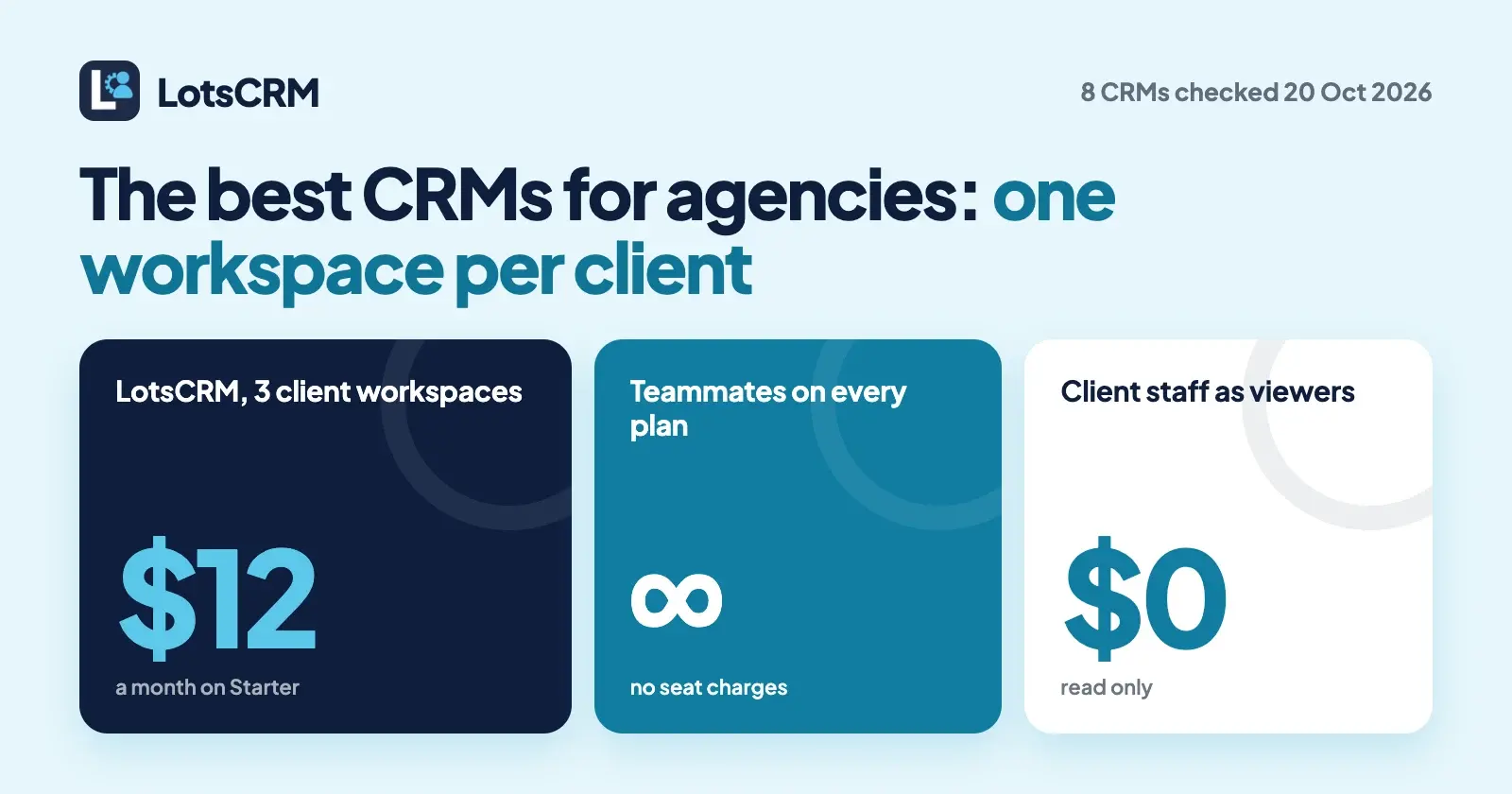
The best CRM for an agency keeps each client's leads, deals and follow-ups in their own space, lets client staff look without editing, and doesn't charge a seat for every person who needs access. LotsCRM does that with one workspace per client from $12 a month for 3 clients, with teammates unlimited and free. HighLevel suits white-label marketing agencies, and HubSpot suits agencies already selling HubSpot.
I built LotsCRM for agencies that run sales for their clients, so it goes first here. Below are eight CRMs agencies use, compared on what matters when you hold more than one client's sales book: how each one separates clients, what a client's staff can see, what you pay as you add clients and people, and whether ChatGPT or Claude can work in it. Every competitor fact comes from the vendor's own pricing, help and developer pages, checked on 20 October 2026.
The best CRMs for agencies at a glance
| CRM | How clients are separated | Client staff access | Price (list) | ChatGPT or Claude access |
|---|---|---|---|---|
| LotsCRM | One workspace per client, each with its own records, pipelines and members | Viewer role, read only, free | $5 per workspace a month, or $12/month for 3 workspaces, $29 for 10, $79 for 30; teammates unlimited | Official MCP server and REST API on every plan |
| HighLevel | One sub-account per client | Admin or User in their sub-account, with permissions you set; users unlimited | $97/month (3 sub-accounts), $297 (unlimited), $497 (Agency Pro) | Official MCP server; a Claude endpoint covers several sub-accounts |
| HubSpot | A separate HubSpot account per client, each with its own subscription | View-only seats, free and unlimited on paid plans | Free for up to 2 users; Starter $20, Professional $100, Enterprise $150 a seat a month | Official MCP server with write access, all accounts |
| monday CRM | Workspaces inside one account: 1 on Basic, 3 on Standard, 15 on Pro | Viewers free and read only; unlimited guests on Pro | $12, $17, $28 a seat a month billed yearly, from 3 seats | Hosted MCP server, preinstalled on all accounts |
| Pipedrive | Separate company accounts under one login, billed separately | No free viewer seat stated | $14, $39, $59, $79 a seat a month billed annually | Official MCP server on all plans, within token limits |
| Attio | Separate workspaces, each billed separately | No guest role stated | Free up to 3 seats; Plus $35, Pro $79 a seat a month billed annually | Official MCP server on every plan, Free included |
| folk | Multiple workspaces, billing per workspace | Not stated; workspace roles from Premium | $24, $48, from $80 a member a month billed yearly | Official MCP server on all plans |
| Capsule | Teams inside one account, from Growth | Restricted users see only their assigned records (Growth and up) | Free for 2 users; $18, $36, $54, $72 a user a month billed annually | ChatGPT plugin; Claude and Cursor MCP in a request-only beta on Growth and up |
Prices are list prices in USD, checked on each vendor's own pages on 20 October 2026. Monthly billing costs more on the per-seat CRMs.
Why agencies need a CRM built around clients
A CRM designed for one company assumes one sales book. An agency has several, and the problems show up in three places:
- Mixed records. Two clients' leads in one database means one wrong filter shows Client A's pipeline to Client B's staff, and one agent prompt can update the wrong client's deal.
- Seat costs that track headcount. Your account managers, the client's sales lead and the client's founder who wants a weekly look all need logins. Per-seat pricing turns each of them into a monthly charge.
- Reporting per client. Each client wants their own pipeline, their own follow-ups and their own numbers, not a slice of yours.
So the questions below are: does each client get a separate space, can a client look without changing anything, and what happens to the bill when you sign the next client.
1. LotsCRM: one workspace per client, priced per workspace
LotsCRM is the CRM that's easy to keep up to date: every lead, call, deal and follow-up in one place, kept current by your team in the dashboard or by ChatGPT or Claude. For an agency, the unit is the workspace: one per client, each with its own contacts, companies, pipelines, deals, activity history and members.
How clients stay separate. Every workspace is its own sales book, and LotsCRM checks a person's access to that workspace before every read and write. Each workspace has its own members and roles, so your account manager can be an admin in three client workspaces and absent from the rest.
What client staff see. Invite the client's team with the viewer role: they sign in with a free Lots account, see their records and pipeline, and can't edit anything. Your own team gets owner, admin, manager or member, depending on who should manage the team and pipelines, who can archive records, and who just keeps them current.
What it costs as you grow. You pay per workspace, never per person. Contacts, deals, pipelines and teammates are unlimited.
| Option | Price | Client workspaces |
|---|---|---|
| Pay as you go | $5 per workspace a month, from credits | As many as you fund |
| Starter | $12 a month or $120 a year | 3 |
| Pro | $29 a month or $290 a year | 10 |
| Business | $79 a month or $790 a year | 30 |
A new client beyond your plan adds one workspace at your plan's rate, paid from credits, so you never need a new subscription per client. Pro and Business include LotsNotes Pro. New accounts get 5,000 free credits, valid 90 days, no card.
Your agent across clients. Connect ChatGPT, Claude, Claude Code, Codex or Cursor to https://api.lotscrm.com/mcp and sign in. The agent lists the workspaces you belong to, works in the one you name, and has your role there. Things an agency asks every day:
In the Acme workspace, add these 30 leads from the trade show and tag them "Oct expo".
Give me this week's pipeline summary for every client workspace.
Log the call with the Northwind buyer in the Northwind workspace and set a follow-up for Monday.
What happens when a client leaves. Archive the workspace. It stops counting toward your plan from the next daily charge, nobody can open it, and the owner can restore it for 30 days. If a workspace goes unfunded, it turns read-only: reading and CSV export keep working, and nothing is deleted. More in Is LotsCRM Safe?.
Where others fit better. LotsCRM doesn't send email, sync inboxes or run sequences; your team sends from the tools it already uses and logs the activity. If you need a white-label client app, funnels and SMS in one platform, look at HighLevel.
Best for: agencies that run sales pipelines for several clients and want each client separate, client staff read-only, and a price that grows with clients rather than people. LotsCRM for agencies · Pricing
2. HighLevel: an all-in-one platform with a sub-account per client
HighLevel is built for agencies, and it shows: each client gets a sub-account, and the agency account sits above them.
- Separation: one sub-account per client. Starter includes 3 sub-accounts; Unlimited and Agency Pro include unlimited sub-accounts.
- Client access: you add the client as a user in their own sub-account, as Admin or User, with module permissions and an "only assigned data" option. Users are unlimited. A dedicated read-only role isn't listed.
- Price: a flat monthly fee, not per user. Starter $97 a month ($970 a year), Unlimited $297 ($2,970 a year), Agency Pro $497 ($4,970 a year). Some add-ons are priced per sub-account, such as the branded client portal app at $49 a month. 14-day trial, no free plan.
- AI access: an official MCP server. The standard endpoint uses a private integration token for one sub-account; a separate Claude endpoint lets an agency connect once and pick which sub-accounts to authorize. Which plans include it isn't stated.
- Strength: white label. Clients log in to your brand, and Agency Pro adds a SaaS mode for reselling the platform.
Best for: marketing agencies that want CRM, funnels, calendars, email and SMS in one branded platform for their clients.
3. HubSpot: a separate account per client, free view-only seats
HubSpot handles agencies by giving each client its own HubSpot account. One login switches between them, and each account has its own subscription.
- Separation: a separate account per client. Multiple brands inside one account need the Brands add-on on Marketing Hub Enterprise.
- Client access: view-only seats are free and unlimited on Starter, Professional and Enterprise. View-only users can see data and log notes but can't edit records.
- Price: the free CRM covers up to 2 users. Sales Hub list prices are $20 a seat a month on Starter, $100 on Professional and $150 on Enterprise. Professional adds a one-time $1,500 onboarding fee and Enterprise $3,500.
- AI access: HubSpot's remote MCP server is generally available to all HubSpot accounts with write access, with connectors for Claude and ChatGPT.
- Strength: HubSpot Solutions Partners get a free partner seat with full access in a client's account.
Best for: agencies that implement or manage HubSpot for clients who already pay for it.
4. monday CRM: workspaces and free viewers inside one account
monday CRM is part of the wider monday.com work platform, and it separates clients with workspaces inside one account.
- Separation: Basic includes 1 workspace, Standard 3, Pro 15 and Ultimate unlimited.
- Client access: viewers don't count toward billing and are read only, on every plan. Guests are unlimited on Pro; on Standard, up to 3 guests are free and every 4 guests after that count as one billed seat.
- Price: $12, $17 and $28 a seat a month on Basic, Standard and Pro, billed yearly. Plans start from 3 users. 14-day trial, no free plan.
- AI access: a hosted MCP server that reads and writes monday.com data, preinstalled on all accounts.
- Strength: client projects and the sales pipeline can live on the same platform, with free read-only viewers.
Best for: agencies that already run client delivery on monday.com and want the pipeline next to it.
5. Pipedrive: a company account per client, billed separately
Pipedrive is a visual pipeline CRM. An agency can hold several company accounts under one login, and each is billed separately.
- Separation: separate company accounts. Inside one account, custom visibility groups start on Premium (15 groups) and Ultimate (25).
- Client access: a free viewer or guest seat isn't stated, and Pipedrive charges per seat whether or not it's assigned.
- Price: $14, $39, $59 and $79 a seat a month on Lite, Growth, Premium and Ultimate, billed annually ($24, $49, $79 and $99 monthly).
- AI access: Pipedrive MCP is on all plans, within token limits, and can create and update deals, contacts and activities.
- Strength: Premium and Ultimate include LeadBooster, Projects and Smart Docs.
Best for: agencies whose own sales team wants a strong visual pipeline, with clients kept in separate company accounts. More in LotsCRM vs Pipedrive.
6. Attio: a flexible data model, a workspace per client
Attio is a flexible CRM you can shape around your own objects and views. Each workspace is billed separately, and your seat counts in each one you belong to.
- Separation: separate workspaces. Inside a workspace, teams start on Pro (up to 10).
- Client access: a guest role isn't stated.
- Price: Free for up to 3 seats, Plus $35 and Pro $79 a seat a month billed annually ($44 and $99 monthly).
- AI access: the MCP server is on every plan, including Free. It searches, reads, creates and updates records; reads run straight away and writes ask for confirmation.
- Strength: full MCP access on the Free plan, and a data model you can customise.
Best for: small agencies that want to model their own CRM and start free. More in LotsCRM vs Attio.
7. folk: relationship CRM with an agency page
folk is a relationship CRM with enrichment, a LinkedIn extension and inbox sync, and it has a page aimed at agencies. You can belong to several workspaces, and billing is per workspace.
- Separation: multiple workspaces. On Standard every member is an admin; workspace roles need Premium.
- Client access: not stated.
- Price: Standard $24, Premium $48 and Enterprise from $80 a member a month billed yearly ($30, $60 and from $100 monthly). 2-week trial.
- AI access: MCP on all plans; the assistant can read and write in folk with your access.
- Strength: relationship pipelines with enrichment and LinkedIn capture.
Best for: relationship-led agencies whose new business comes from their network. More in LotsCRM vs folk.
8. Capsule: teams, restricted users and project boards
Capsule is a straightforward small-business CRM with built-in projects. It separates work with teams inside one account rather than an account per client.
- Separation: teams from Growth group users to control record access. Separate accounts per client aren't described.
- Client access: restricted users (Growth and up) see only the records assigned to them, and can still edit those records.
- Price: Free for 2 users and 250 contacts; Starter $18, Growth $36, Advanced $54 and Ultimate $72 a user a month billed annually.
- AI access: a ChatGPT plugin is live, and the Claude and Cursor MCP is in a beta you request, on Growth and up.
- Strength: project boards next to the pipeline, 50 on Advanced.
Best for: small agencies that want sales and client projects in one simple tool.
How to choose a CRM for your agency
- You run sales pipelines for several clients and want each one separate, with client staff read-only and no seat charges: LotsCRM.
- You sell a branded marketing platform to clients, with funnels, calendars, email and SMS: HighLevel.
- Your clients already pay for HubSpot: HubSpot, one account per client with free view-only seats.
- Your delivery already runs on monday.com: monday CRM.
- Your own new-business team wants a classic visual pipeline: Pipedrive.
- You want to design your own data model and start free: Attio.
- Your new business comes from relationships and LinkedIn: folk.
- You want sales and projects in one simple tool: Capsule.
Set up an agency in LotsCRM from your agent
Connect your agent to https://api.lotscrm.com/mcp (setup for each agent at lotscrm.com/mcp), then give it this:
Read https://lotscrm.com/skill.md. Create a LotsCRM workspace for each of my clients: Acme Example and Northwind Example. In each one, invite jane@example.com as an admin and the client contact at client@example.com as a viewer. Show me the invites before you send them.
The agent uses create_workspace for each client, which comes with a default six-stage sales pipeline, and invite_member with the role you choose. If you own or administer more than one organization, create_workspace asks which one to use (it returns ORGANIZATION_REQUIRED and creates nothing), so name the organization in your prompt. With one organization it simply joins it. From there, bulk_upsert_prospects imports up to 100 leads at a time with tags, record_activity logs calls and meetings, create_follow_up sets the next step, and get_pipeline_summary gives each client's numbers. You can do all of it in the dashboard too. For a single-agent setup walkthrough, read the Claude CRM integration guide.
Common questions
What is the best CRM for an agency?
It depends on what you run for clients. If you run their sales pipelines, LotsCRM gives each client its own workspace from $12 a month for 3, with client staff as free read-only viewers and teammates unlimited. For a white-label marketing platform, HighLevel; for clients already on HubSpot, HubSpot.
How do agencies keep each client's CRM data separate?
With a separate space per client. LotsCRM uses a workspace per client, HighLevel a sub-account, HubSpot, Pipedrive, Attio and folk a separate account or workspace, and monday CRM workspaces inside one account. Check whether each space has its own members and roles, and whether it's billed on its own.
Can my clients see their own pipeline without editing it?
Yes, in several of these. LotsCRM's viewer role is read only and free. HubSpot's view-only seats are free and unlimited on paid plans, and monday CRM's viewers are free and read only. HighLevel adds clients as users with permissions you set.
Which agency CRM doesn't charge per user?
LotsCRM charges per workspace, one per client, with unlimited teammates. HighLevel charges a flat monthly fee with unlimited users. HubSpot, monday CRM, Pipedrive, Attio, folk and Capsule charge per seat, user or member.
Can ChatGPT or Claude manage several client CRMs at once?
Yes, with LotsCRM: your agent lists the workspaces you belong to and works in the one you name, with your role there. HighLevel's Claude endpoint covers several authorized sub-accounts. With CRMs that use a separate account per client, you connect each account.
What happens to a client's CRM when they leave?
In LotsCRM you archive their workspace: it stops counting toward your plan, nobody can open it, and the owner can restore it for 30 days. Before that, export their contacts and companies to CSV if you're handing the data back.
Competitor facts checked on 20 October 2026 on each vendor's own pages: HighLevel pricing and help centre (sub-account roles, MCP server, MCP multi-account for Claude), HubSpot product catalogue, HubSpot Sales Hub pricing, HubSpot knowledge base (multiple accounts, seats) and MCP changelog, monday CRM pricing, monday.com support (guests, user types) and MCP docs, Pipedrive pricing, support (multiple companies, visibility groups) and MCP page, Attio pricing, billing help and MCP docs, folk pricing and help centre, Capsule pricing, support (teams, user management) and MCP announcement. LotsCRM prices from the live catalogue the same day. Prices and plans change; check each vendor's page before you buy.